
Bluey: Let's Play!
Budge Studios

| Category | Casual |
| Installs | 50,000,000+ |
| Version | 2026.7.0 |
| Updated | Jun 5, 2026 |
About this game
Game Overview
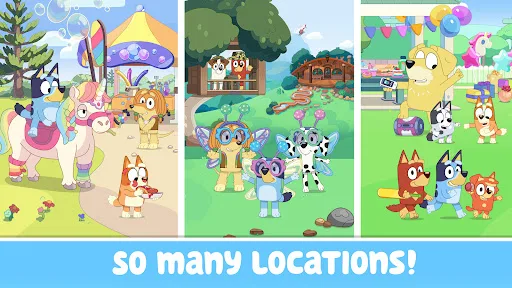
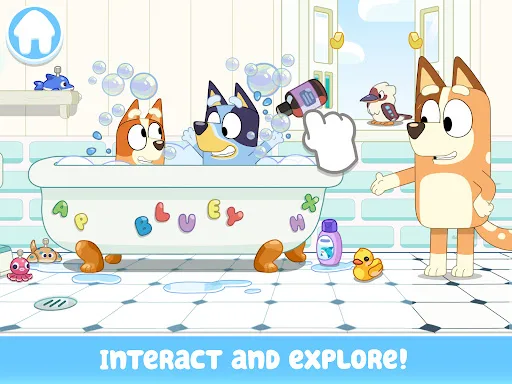
Bluey: Let’s Play! is a casual children’s game built around open-ended pretend play in the Heeler family home. Developed by Budge Studios, it translates the TV show’s everyday scenarios into a touch-first activity set where players explore rooms, trigger small interactions, and recreate familiar family moments. The loop is simple: tap objects, move between spaces, and switch between colouring, cooking, backyard play, and other low-pressure activities. That makes it closer to a digital playset than a traditional game with levels or failure states. The presentation is bright and friendly, with a preschool-oriented look that matches the licence rather than chasing complexity. Its appeal is clear for young Bluey fans and families looking for a quiet app that can be picked up in short bursts. Older players without that attachment may find the structure thin, but the format is consistent with its audience.
Core Gameplay Features
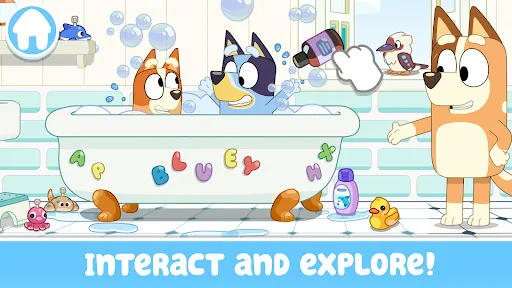
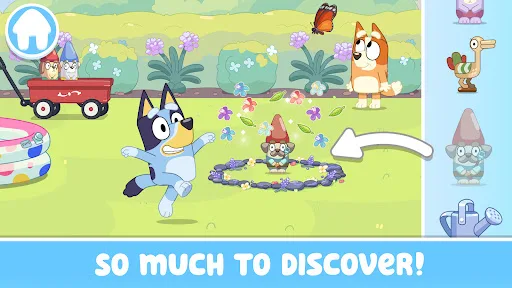
- House Exploration The Heeler home acts as the main play space. Players move through rooms and look for hidden surprises, which gives the app a gentle scavenger-hunt rhythm.
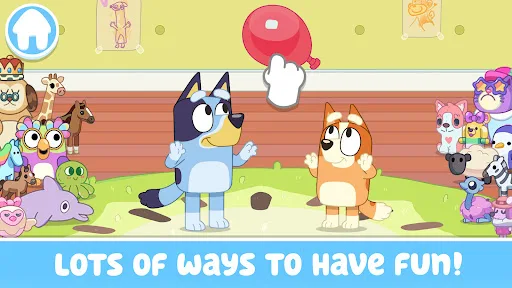
- Imaginative Play The game encourages players to make up their own stories or recreate moments from the series. That flexibility is the main source of replay value.
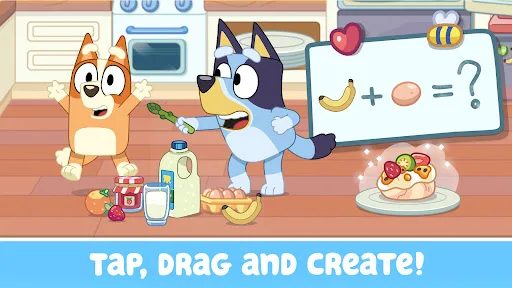
- Interactive Activities Objects respond to tapping, dragging, and simple touch gestures. The kitchen, backyard, and other spaces are built around small pretend-play actions rather than complex rules.
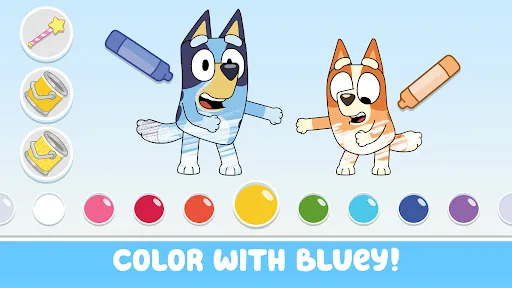
- Colouring Pages A colouring mode adds a quieter creative layer. It broadens the app beyond exploration and gives younger players a slower, more contained activity.
- Family-Friendly Design Budge Studios positions the app for preschool and early school-age children. The controls and goals stay deliberately simple, which lowers the barrier to entry.
What Makes It Stand Out
Among licensed kids’ apps, this one stands out more for structure than depth. It leans on the recognisable Bluey setting and a relaxed pace, which should suit families that want a safe, low-stress app rather than a competitive or puzzle-heavy title.
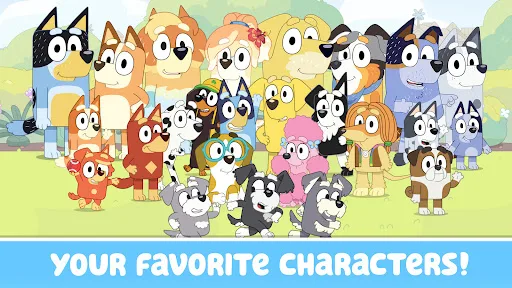
- Strong Brand Match The app uses the show’s house, characters, and everyday family tone as its foundation. That makes the experience immediately legible for Bluey viewers.
- Large Audience Reach More than 50,000,000 installs on Google Play and over 224,000 ratings suggest broad visibility. That volume gives a clearer signal than a small niche release.
- Cross-Platform Availability It is available on both Android and iPhone, with a current version on each store. That makes it easy to install across common family devices, including tablets.
Things to Know Before Playing
The practical tradeoffs are typical for a free children’s app. The store listing also points to paid subscription content, so the full experience is not entirely unlocked at no cost. Parents should also note the age ratings and the likely need for regular storage checks on tablets and phones.
- Subscription Content The app is free to download, but the description says some content requires a paid subscription. That is the main monetisation detail to watch before installing.
- Age Rating Google Play lists PEGI 3 and the App Store lists 4+, which places it firmly in child-friendly territory. It is aimed at very young players rather than older kids.
- Storage Planning The iPhone listing shows a size of about 175 MB, while the Android listing does not show one. Leaving extra free space for updates and cache is sensible, especially on smaller devices.
You may like
Candy Crush Saga
King
My Talking Tom
Outfit7 Limited
Pou
Zakeh
My Talking Tom 2: Pet Game
Outfit7 Limited
Homescapes
Playrix
Gardenscapes
Playrix
Township
Playrix

Minion Rush: Running Game
Gameloft SE

Candy Crush Soda Saga
King
My Talking Tom Friends
Outfit7 Limited
My Talking Angela 2
Outfit7 Limited
Hay Day
Supercell
Coin Master
Moon Active
Farm Heroes Saga
King
Angry Birds 2
Rovio Entertainment Oy