Piano Kids - Music & Songs
Orange Studios Games

| Category | Music |
| Installs | 100,000,000+ |
| Version | 3.73 |
| Updated | Jun 24, 2026 |
About this game
Game Overview
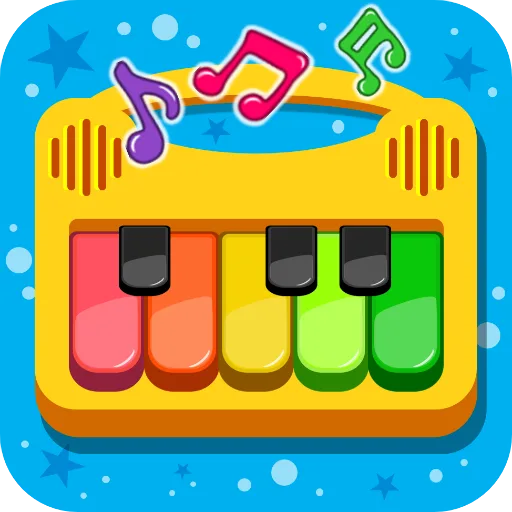
Piano Kids - Music & Songs is a free Android music app from Orange Studios Games, aimed at young children and the adults guiding them. It mixes a toy-like instrument board with song playback, sound recognition and a separate games mode, so the loop is less about mastery than repeated experimentation. The player taps bright, child-friendly controls to hear instruments, follow melodies or trigger educational mini-activities. That makes it closer to a digital playset than a traditional music game. The listing also points to broad family use, with colour, numbers, letters and basic pronunciation folded into the experience. Its appeal lies in short, low-pressure sessions that let children make noise, match sounds and explore patterns without needing prior musical knowledge.
Core Gameplay Features
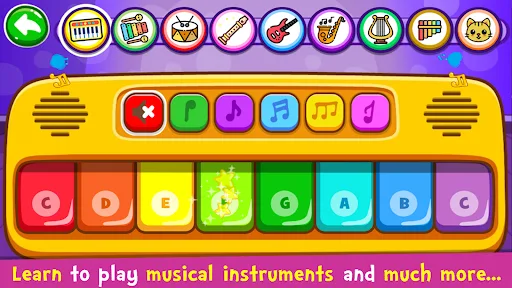
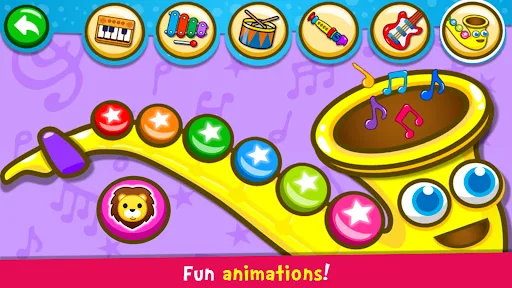
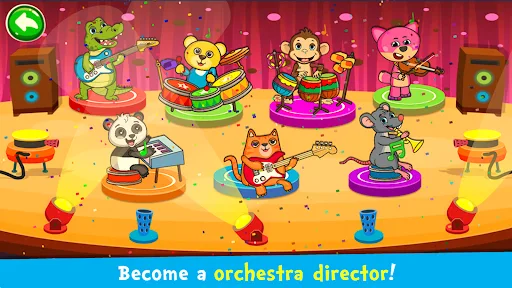
- Instrument Mode This mode lets children tap instruments such as piano, drums, xylophone, saxophone, trumpet, flute and electric guitar. It is designed for free-form play and basic melody making.
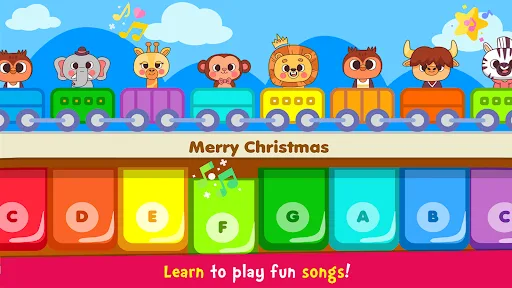
- Song Playback The songs section includes an Auto Play option that demonstrates melodies before the player follows along. The app says 30 famous songs are available, which supports guided repetition.
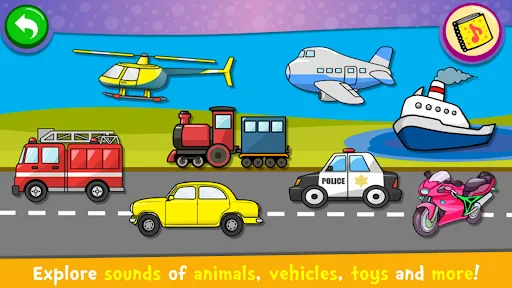
- Sound Recognition A dedicated sounds mode introduces objects and their audio cues, helping children connect images with everyday sounds. It also extends to colours, numbers and letters in multiple languages.
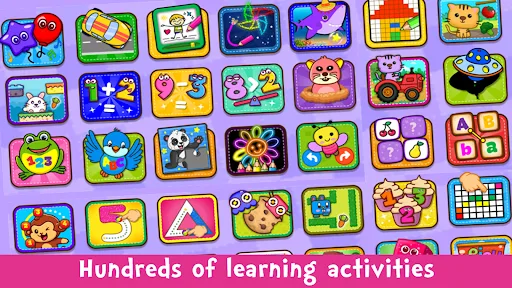
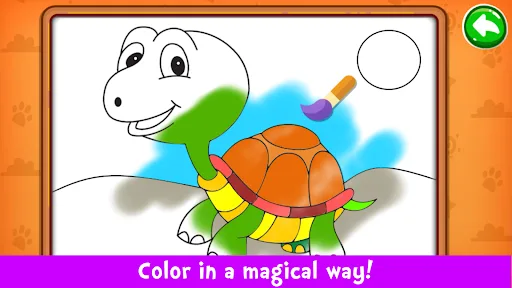
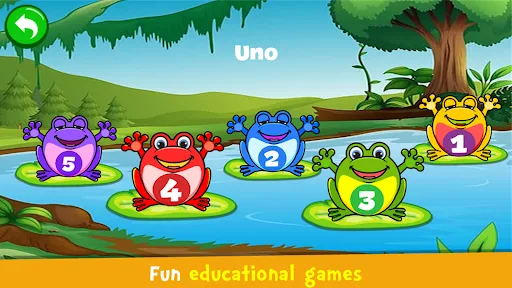
- Learning Games The games mode folds in counting, alphabet practice, puzzles, colouring, drawing, pixel art and memory play. This broadens the app beyond music while keeping the interaction simple.
- Touch-Friendly Design The interface is described as colourful, bright and easy to use, which matters for pre-readers and early learners. The whole structure suits short sessions on a phone or tablet.
What Makes It Stand Out
The main draw is not musical depth but breadth. It combines instrument tapping, guided songs and educational mini-games in one free package, which gives it more variety than a single-purpose piano app.
- Large Install Base With 100,000,000+ installs on Google Play and 724,942 ratings, it has a far larger audience than most niche kids apps. That scale suggests a well-known, widely tested release.
- Family-Oriented Scope The description frames it as something children and parents can use together. That makes it more useful as a shared activity than as a solitary toy.
- Broad Activity Mix Music, sounds, puzzles, colouring and memory play sit side by side. This variety helps when a child wants to switch tasks quickly rather than stay with one mechanic.
Things to Know Before Playing
The practical tradeoffs are straightforward. This is a free, ad- or purchase-supported Android app with a PEGI 3 rating, so it is aimed at very young children and carries little content risk. Its size is not listed, so storage should be checked on the Play Store page before installation.
- Android Only The app is available on Google Play for Android devices only. There is no App Store version listed for the Netherlands, so iPhone and iPad users cannot install it natively.
- Child Age Rating PEGI 3 indicates content suitable for very young children. Parents still may want to supervise use, mainly because the app is built around repeated tapping and simple learning prompts.
- Free App Context The listing says the app is totally free, but free Android games often rely on ads or optional in-app purchases. The store page is the safest place to confirm the current monetisation setup.